Best Linux apps for your Desktop or Laptop
Linux is a great alternative to your software needs and here is why you should consider it:
- It is open source and most programs are covered under the GNU General Public License. This means that most high quality software’s are free and you don’t have to spend on any updates either.
- It can be installed on old machines and still not have issues with performances or act as a resource hog. Linux is quite smooth and periodic updates help to remove any bugs that you might report making it stable over time even if your hardware is a little behind the times.
- There are numerous Linux distributions to pick from depending on your use and most of them are free.
- Linux is designed to execute multiple tasks at the same time. So it won’t slow down when you open multiple windows or applications. Also it doesn’t matter if your hard disk is almost full. Linux will happily chug along without slowing down or crashing.
- Linux is very secure. If you are good at coding or developing,you can easily fix bad codes and make your machine more secure.
Lets look at some of the top Open Source apps or software’s that can enhance your Linux experience.
Operating System:
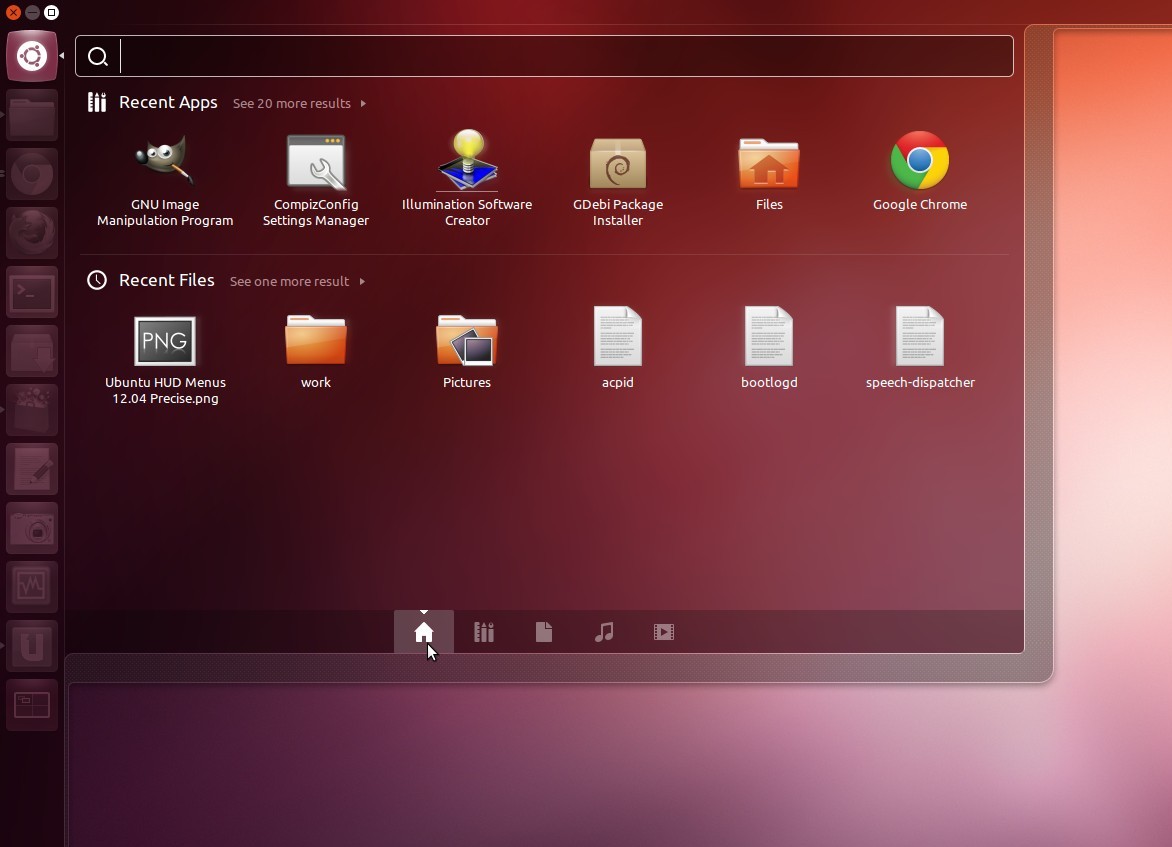
Here we have a tie between Ubuntu and Linux mint. Ubuntu uses the Unity desktop which has been quite polished of late. It takes some time to get used to it,but once you get used to the idea of Unity lenses and scopes, you will be zipping around the interface in no time.
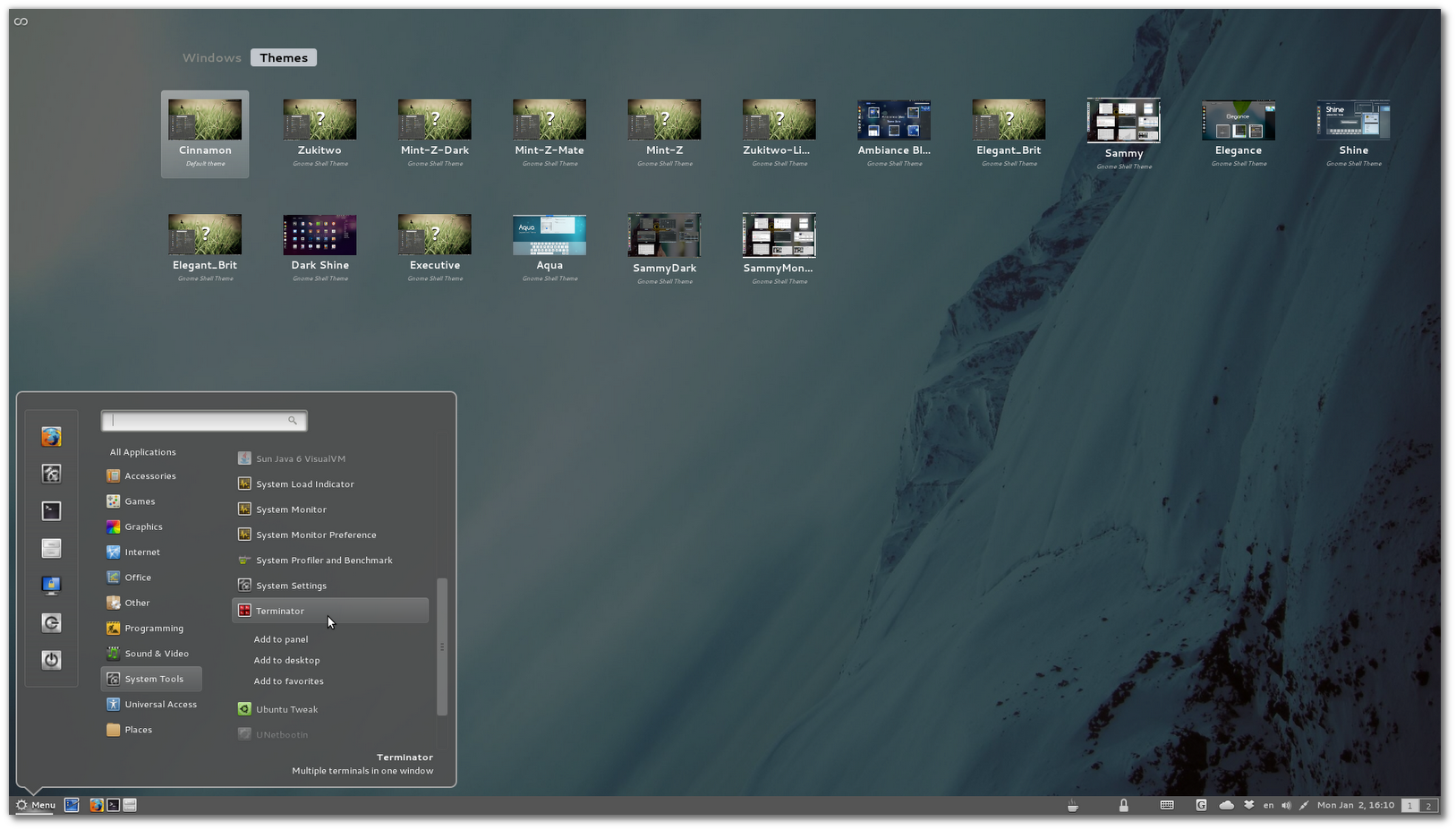
Linux mint uses the Gnome interface or if you prefer something similar to the Windows start menu. It also comes with a lot of media codecs out of the box saving you the hassle of installing different stuff.
The best way to make a decision is to boot from a Live CD and have a go at both desktops and then make your choice.
Productivity:

LibreOffice or Openoffice are your best options for getting your work done in Linux. Both are excellent with office suites and have inter compatibility with Microsoft Office. You can also use the odf or open document format if you like.
Virtualbox is an application that can be useful for running Windows or any other operating system within a virtual environment.
Pidgin is a powerful and popular chat client that integrates all your IM accounts into one easy place.
Creativity:
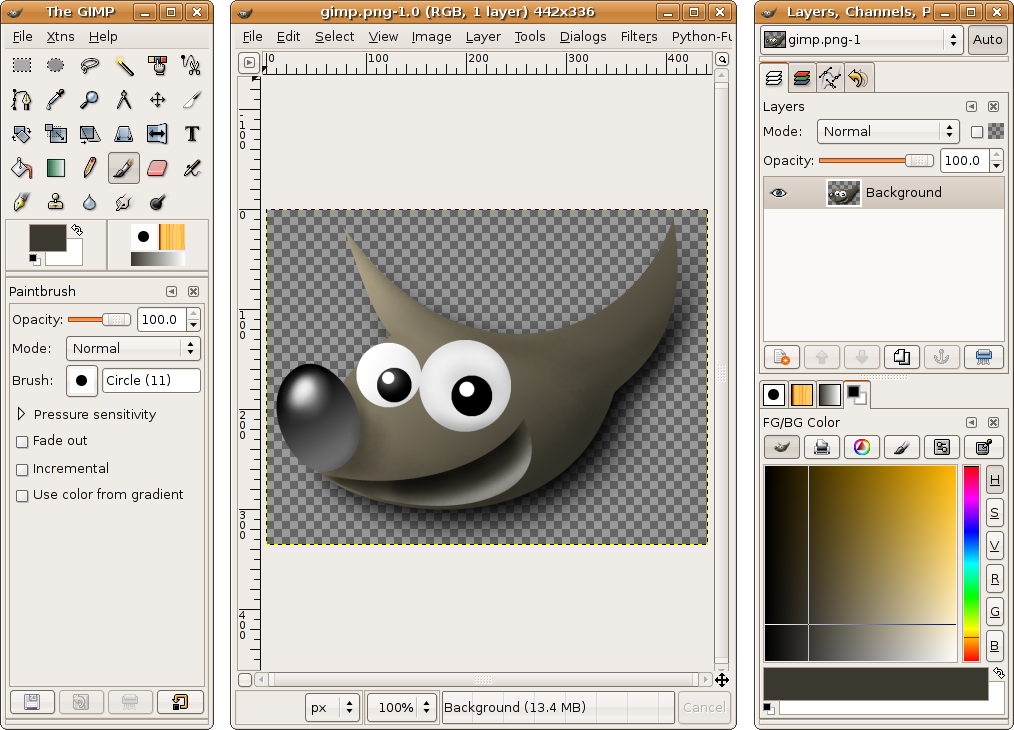
Gimp is Linux’s answer to Photoshop. Simple,lightweight and versatile, Gimp can accomplish all that Photoshop does without Photoshop sluggishness or overpriced price tag.
Audacity is the favourite no nonsense audio editor to record, edit, convert or otherwise tinker with your audio files. It is also supported on Windows and Mac computers.
Openshot video editor not only supports video like its name suggests,but also images and audio with innumerable filters, audio mixing and digital video effects including chroma key screens!
Email:
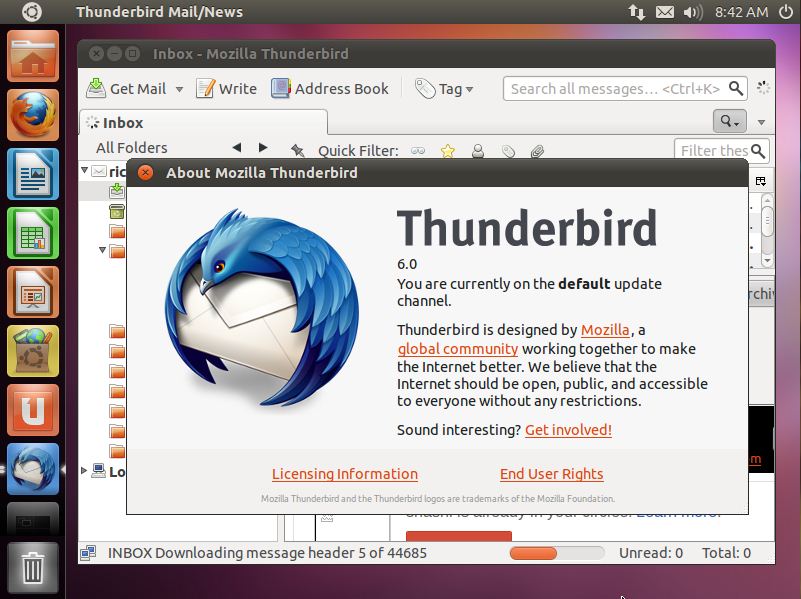
Thunderbird is hands down the best option in this category with many Linux distributions offering it native support right out of the box. But recent reports have suggested that Mozilla is considering slowing development on it,so a few other alternatives here are Evolution, Kmail and Claws mail.
Browser:
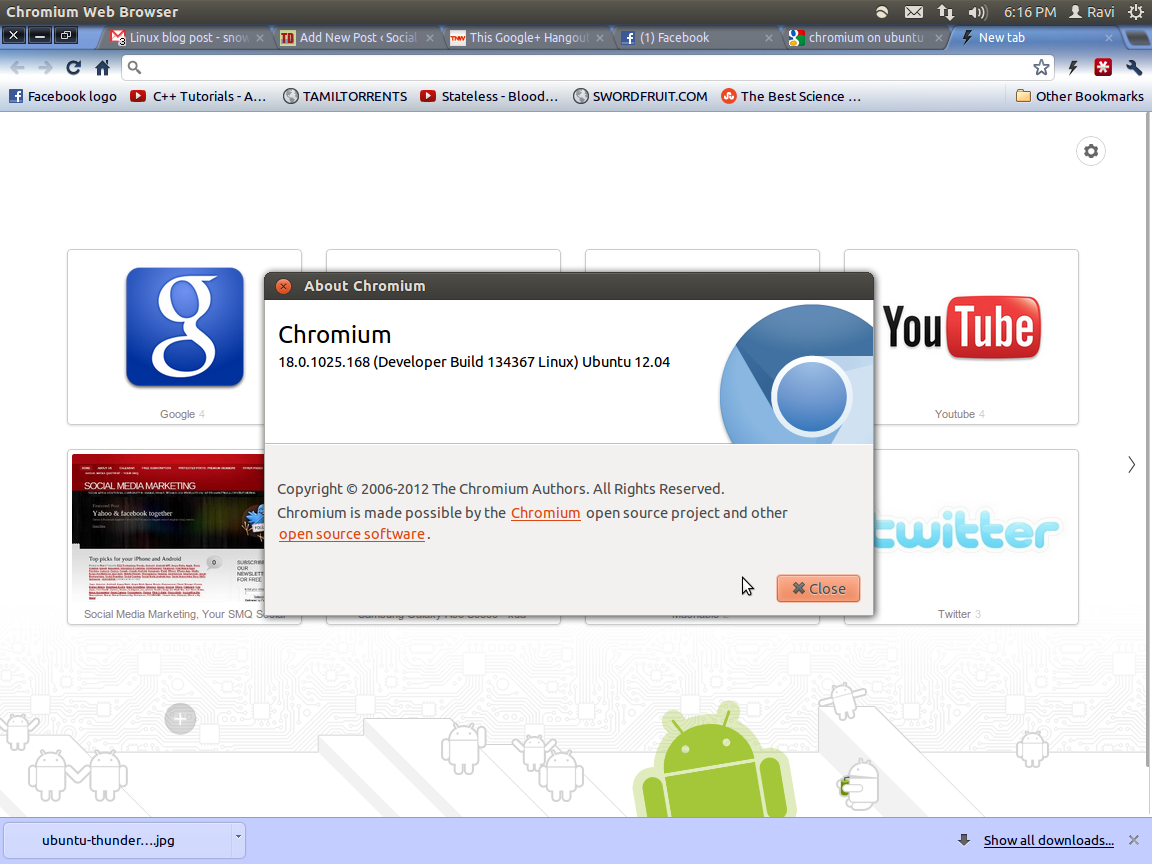
Again Firefox comes bundled with most Linux distros,but you can go ahead and install Chromium from the software center. Google’s Chrome browser is based on Chromium which is open source,so you can be rest assured that it will bas as speedy and stable as Chrome.
Games:
While Linux might not be able to boast of extreme high graphic games like Need For Speed or Call of Duty like on Windows,it can satisfy your gaming itch with some really good games. Supertuxcart is a really nice stress buster with its fun game play, you can check the user ratings if you don’t believe me. There are also a number of flight simulators as also DOSbox emulator if you would like to kick it old school.
As a final push to help you decide,let me assure you that this article was written on a computer running Ubuntu 12.04. I used to LibreOffice Writer to write this post and am posting it to our blog using the Chromium browser.
Please make sure that you have backed up all your data and have thoroughly done your research before you take the plunge. I suggest booting Linux of a live CD and getting the hang of it before you make your decision. Also if you are ever stuck somewhere, Google is your friend. Let us know your experiences with Linux and which distro you use or what apps you use to get your work done.
Connect with Us On:
Our BRANDS On Google Plus:
Related Posts:
- Top 8 Google services or Features that can help boost productivity
- Top app picks for iPhone and Android
- Top 7 Posts On Social Media,Brand Marketing and Internet that you might have missed
- Indulge your culinary side with these food related apps
- Amazons Kindle for ebooks while on the go
- Kings are made,not just born ebook now available on Amazon’s Kindle store
- Using Foursquare to be more productive while you travel
- Dutchulator Android Bill sharing App