Now this is an amazing social bookmarking site. No wonder there’s so much buzz all around. It’s called Pinterest.
But it’s social bookmarking with a slight twist. It’s based on the concept of “pinning” stuff that you find interesting on virtual pinboards. The first and foremost advantage of this site is that it’s a visually rich medium. The visual of the site looks like a “grid layout”.
Secondly, you are not confused with a score of options. All you need to do is pin, re-pin, like or comment.
Here’s how it works:
When you first sign up, you are given a bookmark to add your browser. It’s called the “pin it button”.
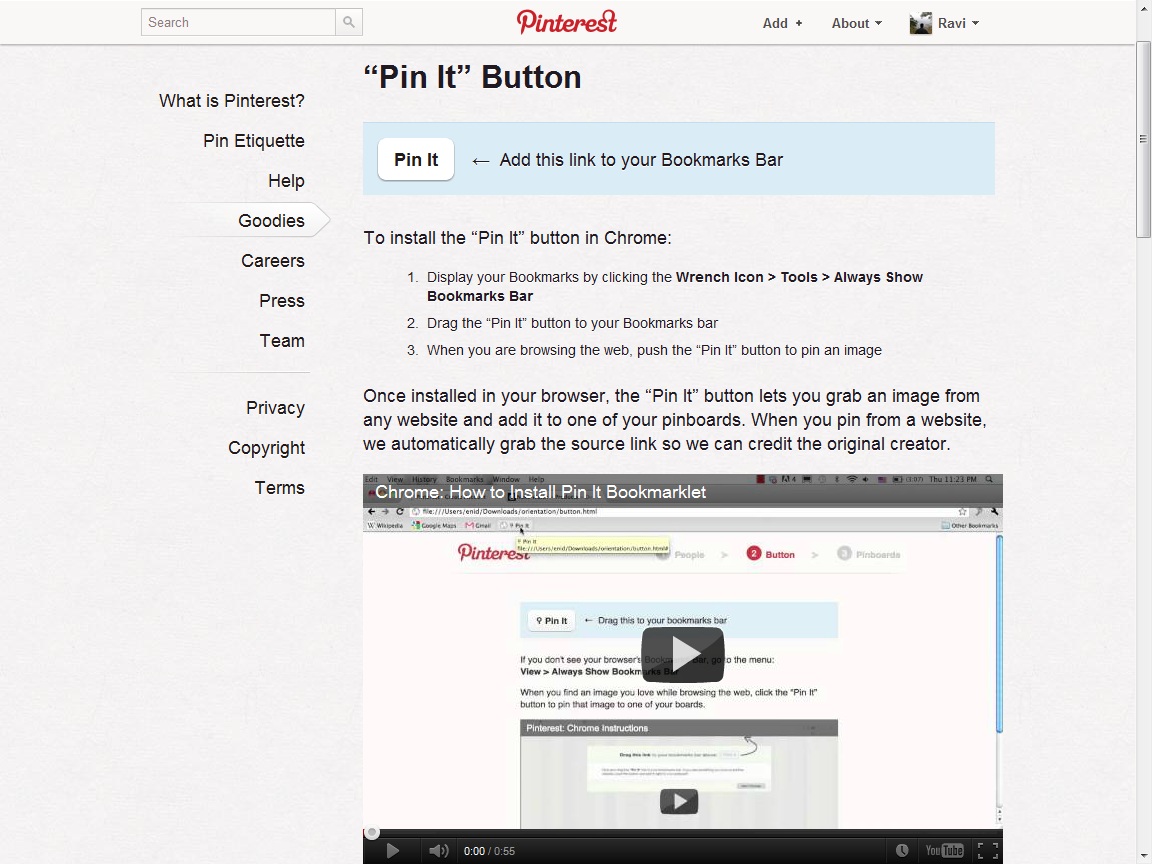
Once you have installed the “pin it” button in your browser, the next time you find some interesting image or video on any website, just click on the ‘pin it’ button and it gets added to your list or section created. It will show you the thumbnails of all images on that page. Select the image that you want, create a new pinboard or select an existing pinboard that you created and voila! You are done!
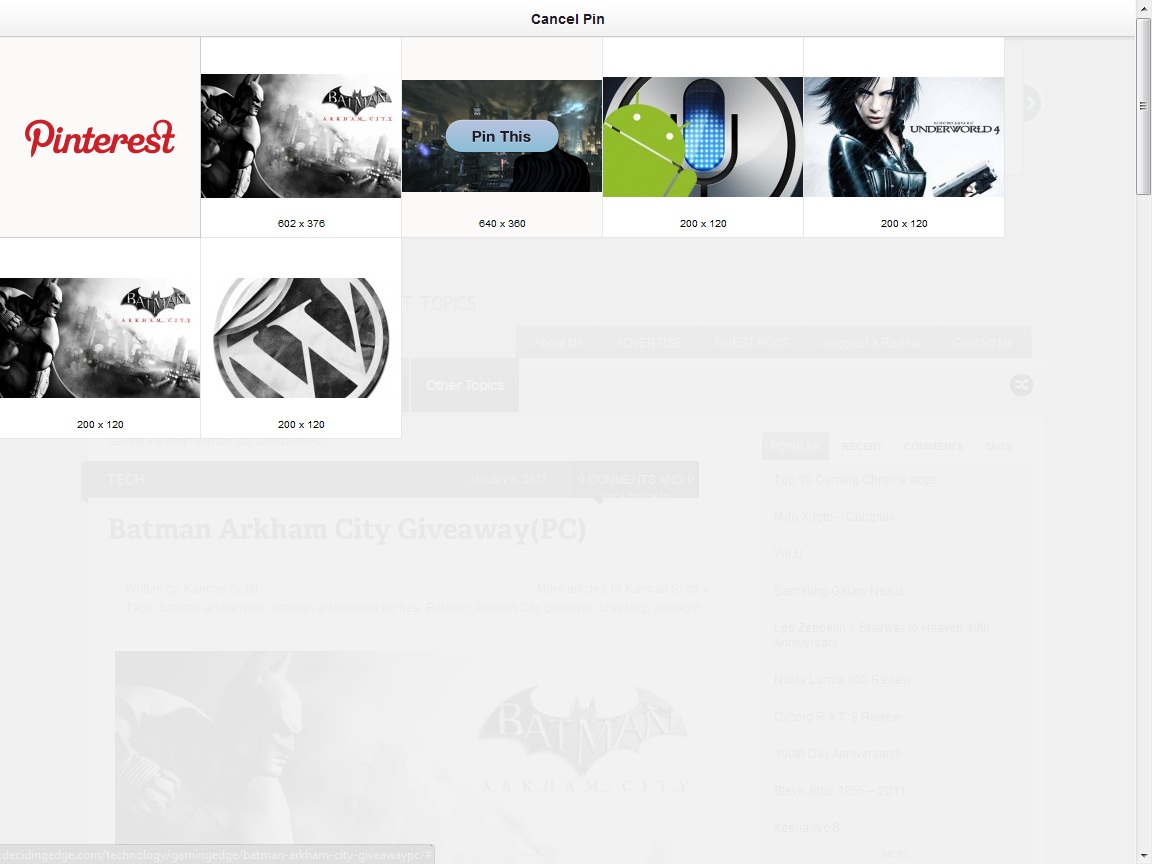
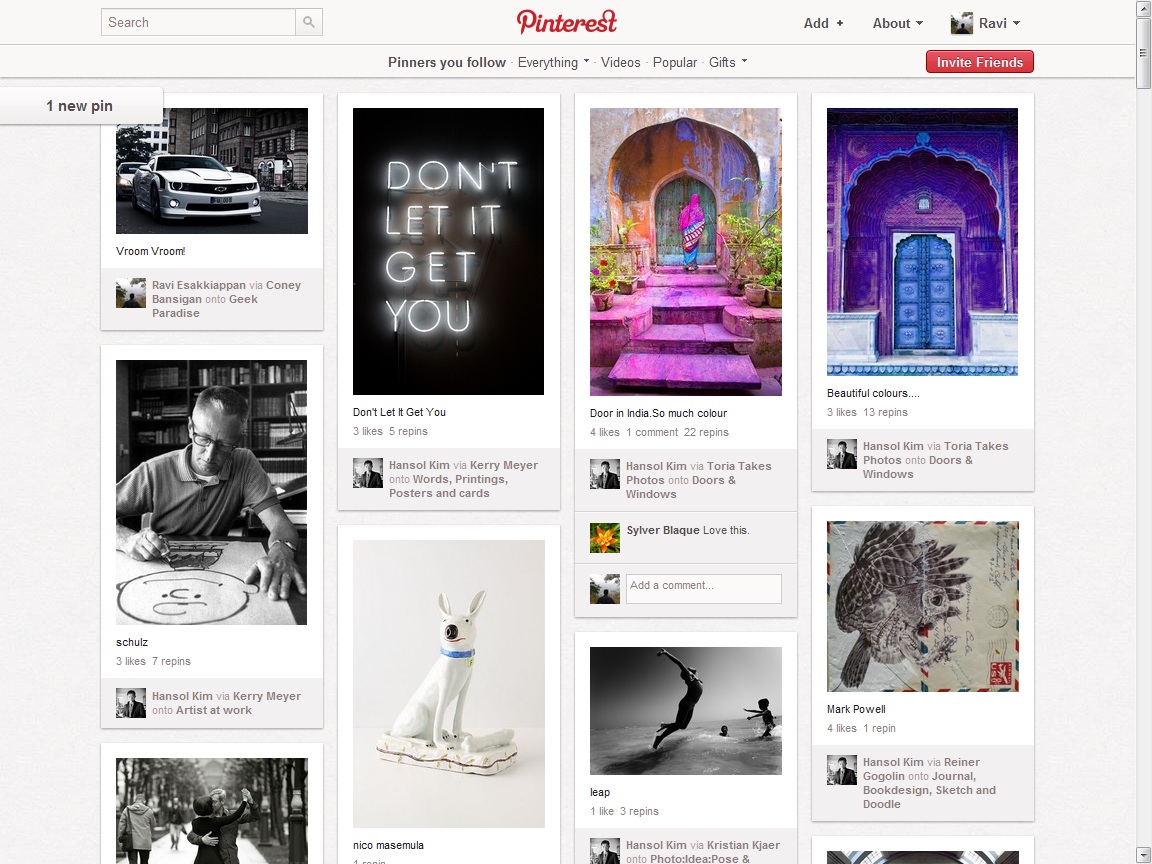
Alternatively, the pinterest site itself has a lot of content for you to pin, like and comment on. Have a look!
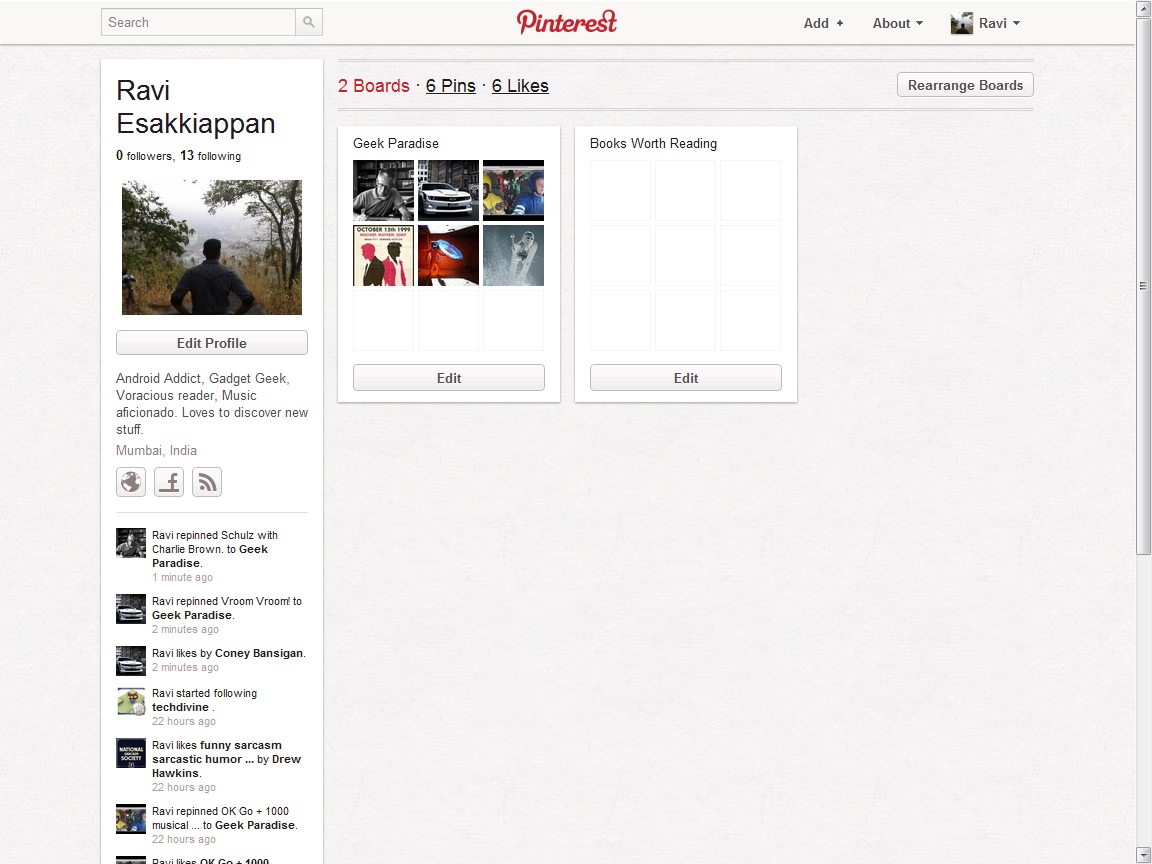
This is what your profile looks like. For me, I am just starting off, so it probably looks quite sparse at the moment.
You can follow different people based on your interests and see what they pin. You can’t message them directly, you cannot write on their “walls”, nor can you tag them in your photos.
Pinterest is a site where you share your ideas or get inspired. It will mainly appeal to those involved in photography or lifestyle products too. For brands, it’s an amazing opportunity to share with their prospects and existing consumers, their rich plethora of products available.
If you are looking for a platform which involves art, creativity and design, this is definitely it. As a site that’s said to generate more traffic than, Google+, Reddit and LinkedIN, Pinterest definitely has the potential to make it big.
Do you think you could use Pinterest to advance your Business? Share your thoughts with us.
Ciao – Ravi.
Connect with us here:
Related Posts:
- Going screenwise to make Google even Bette
- Free Google Tools that every Web Developer should Use
- Marketing and Social Media Trend Setters for 2012
- SEO Your Top Search engine Optimization tips – For Your Website