To Tab or Not To Tab
It’s raining Smartphones and Tablets since last one year, isn’t it? No wonder, everyone out there is considering investing in it. Off-late, We received mails and lots of queries from our members asking us many questions about tablets, of which the core and most frequently asked ones were:
- What will I really be able to use it for?
- Is it worth the hype and the cost?
- Its priced High, why would I not go for a laptop instead?
- It seems to be only a quarter the size of my laptop but claims to do more than my laptop can do for me. Is it true?
Worry Not! In the due course of this article, I will try and lay at rest at least some of your core queries to a great extent, while also trying to answer the most vital question of them all: “Do I really need a Tablet?”
When we hear the words Tablet, few names immediately spring to our minds from the following:
Apple iPad2, Samsung Galaxy Tab750, Motorola Xoom, Blackberry Playbook etc.
I have enjoyed using all the four above, but for the purpose of this article, I will be sharing my views on the Samsung Galaxy Tab 750
.
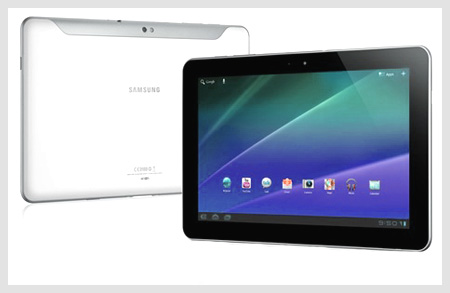
We are going to focus on the main consumer centric features that YOU, would really want to know.
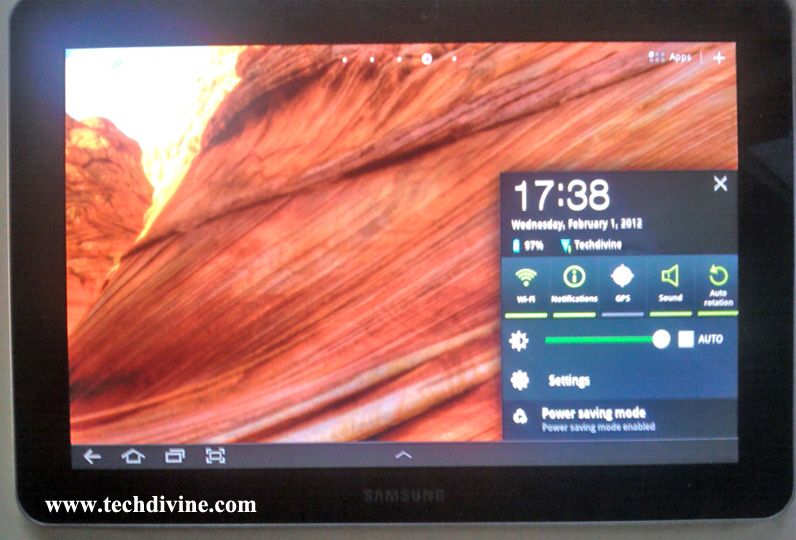
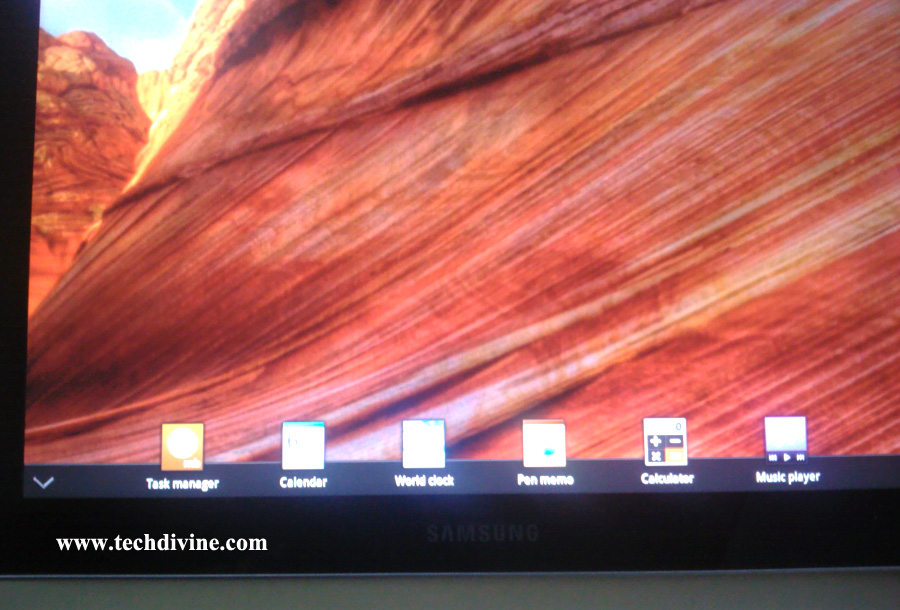
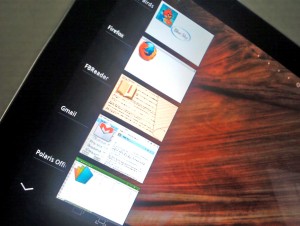
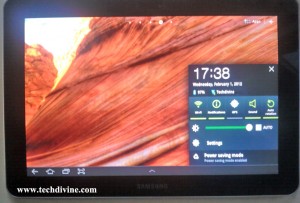
Ease Of Use: The Galaxy Tab ships with Android 3.1 (Upgradable to 3.2 via Samsung Kies). Samsung has glossed it over with their Proprietary UI called TouchWiz. This makes even more spunky and easier to navigate. Case in point, the notification bar at the bottom right gives you quick access to toggles for connectivity, orientation, brightness, settings, clock and the calendar. The icon dock at the bottom is visible wherever you are, so you never get confused and can easily return to the home screen in a jiffy. The volume keys and the power button are placed ergonomically at the top facilitating quick access.
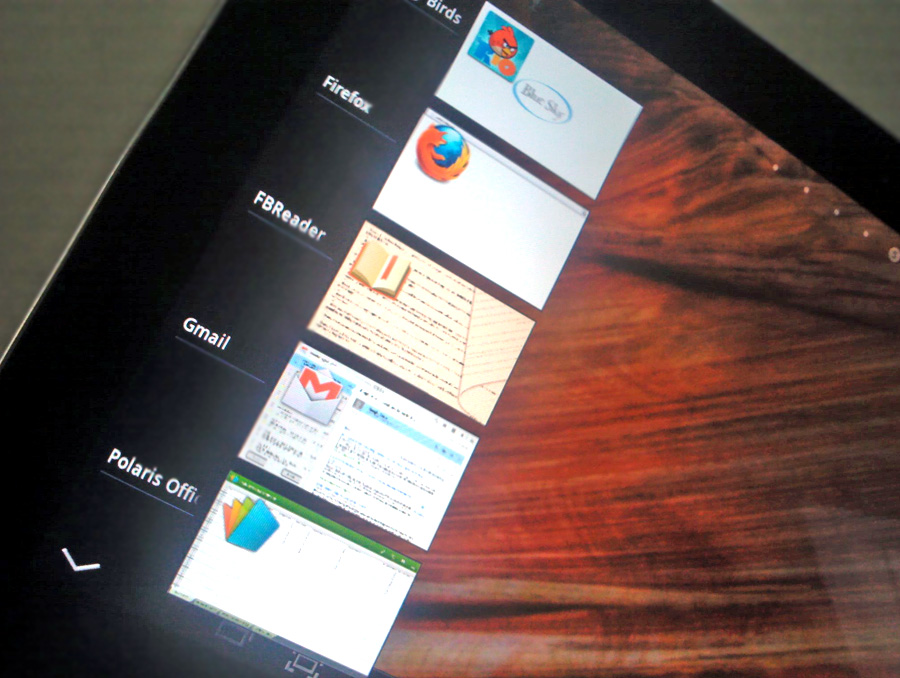
Power and Fluidity: Under the hood hums a powerful Dual Core Cortex A9 1Ghz processor assisted by the Nvidia Tegra 2 T20 chipset on an Android Honeycomb. What this means for the layperson is experiencing smooth transitions with excellent fluidity while navigating menus, apps and others. It has an amazing multi-tasking capability with beautiful rendering of high quality games and media and to top it all off, a support for 1080p videos even. This means that your tablet will happily chug along even if you are browsing the net, streaming music and editing your documents, all at the same time.
Camera: The Tab has a 3.2mp camera at the back and a 1.3mp camera at the front. It might not replace your Digicam or DSLR but it can easily be used for some spur of the moment stupendous shots. It also has a few options like smile shot, panorama & action shot. The addition of an LED flash at the back further allows you to shed some light on your shots if you get the pun. Overall, when you are on a Video conferencing using your Tab, you would love the experience, clarity and the feel of it.
Connectivity: The Tab has the options of connecting to the Internet over wi-fi or 3G. 3G speed depends on your ISP so I cannot comment on that. But we tried video conferencing over wi-fi and it served us just fine. In addition to Bluetooth 3.0,the Tab also sports Wi-fi direct allowing media transfer between two devices at blazing speeds.
Let’s say you are travelling or are at a friends, family members or at Clients place and you have drawn some really cool designs, layout or clicked some wonderful pictures which you have added as part of your PowerPoint presentation, all you need to do is turn on your Bluetooth or wi-fi or 3G and just send it across to the other device. The connectivity and data transfer is very smooth and fast.
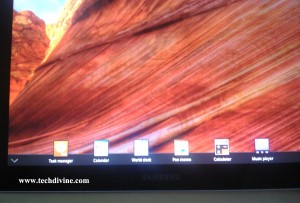
Click to Enlarge
Android Apps: One of the greatest advantage of any Android based device is the humongous and overwhelming additions to the already scores of apps from the Android Market. There is an app for each and every requirement. From fun to productivity, you have it all. Documents to Go/Think office – For all your document editing purposes.
Some really wonderful apps that I have loved using so far are:

- Calendar that auto syncs once you have signed with your Gmail app
And the list is simply endless……
Flash Player support:This is yet another big feature of this tablet. Browse your Flash files easily on your tablet Browser and enjoy cool animation effects and website features.
Battery Life: Battery life averages out at around 8 hours at least with comfortably using core apps that would take you through your work and play for the day. Keep in mind that as the display is the biggest drainer here, so keeping a low brightness setting or using the “auto” setting should help to save some power.
Easy Connect for data transfer: You can easily connect with Your Android OS Supported Laptops and Or Samrtphones for eg. Samsung Android Phone or an Acer Aspire One that supports Android OS.
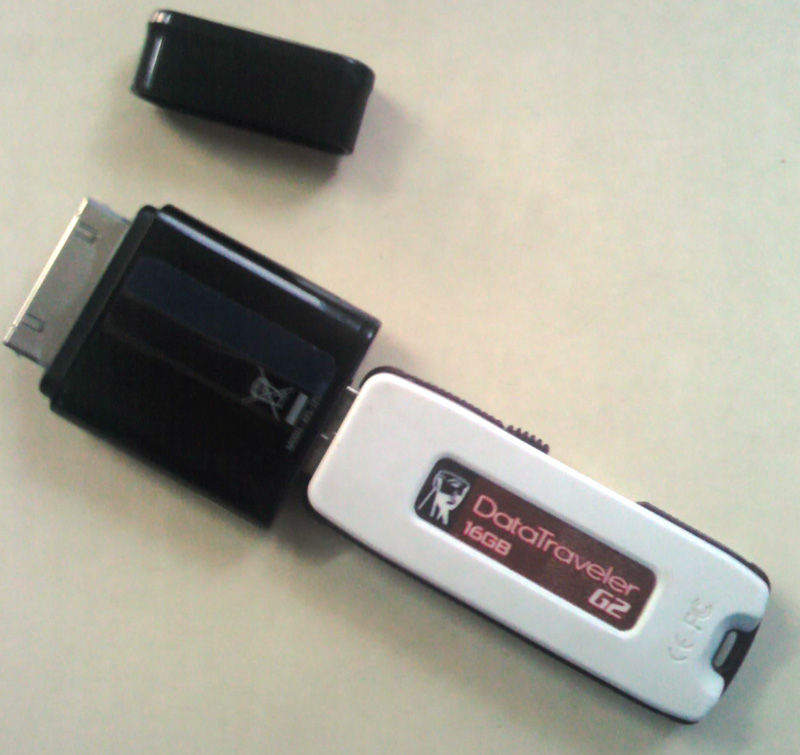
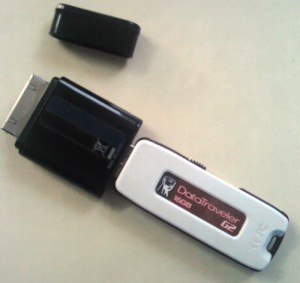
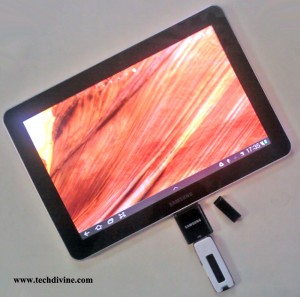
USB Port: Now this is a Power Feature. Although you can’t expand the memory using a memory card, there is a work around if the 16/32/64 GB of storage falls short for you. The Tab has an extension via a USB Port which allows you to connect with your USB devices. So just connect a pen drive with higher storage and you are good to go. The same port also serves as the charging port, thereby enhancing the design factor. Try it out with different Pen drive USB’s. I have so far tried it with a 16GB pen drive and it works smooth.
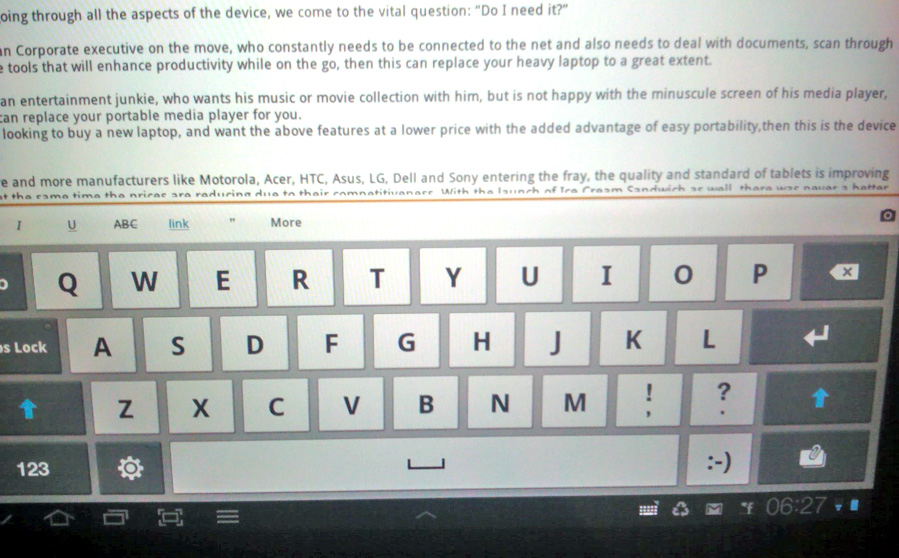
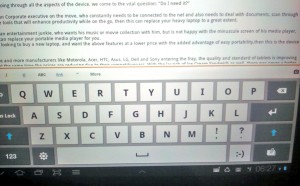
Easy to Type-in the Tablet Keyboard with a good, clear and crisp display and smooth functions:
As I wind up writing this post on my Galaxy Tab WordPress App, here are some final pointers to look at:
Conclusion:
Now after going through many aspects of the device, we come to the vital question: “Do I really need a Tablet?“
- If you are a Corporate executive on the move, who constantly needs to be connected to the net and also needs to deal with documents, scan through data, text; reply scores of emails, use tools that will enhance work productivity all, while on the go, then this can be a wonderful answer for your heavy laptop to a great extent. Sleek, Stylish and very reliable.
- If you are an entertainment junkie, who wants his music or movie collection with him, but is not happy with the minuscule screen of his media player, then this can replace your portable media player for you. That coupled with the ease of adding USB port & or a pen drive, makes this an amazing experience with great sound and video quality.
- If you are anyway looking to buy a new laptop and want all the above features at a price which I feel does justice for this superb device, with the added advantage of easy portability, multi-purpose use, internet on the go, clicking pictures, fun and entertainment, extended data USB connect, ease of data transfer, etc, then this is the device for you!
With more and more manufacturers like Motorola, Apple, Acer, HTC, Asus, LG and Sony bringing in more features, the quality and standard of tablets is improving rapidly, at the same time the prices are reducing due to their competitiveness. With the launch of Ice Cream Sandwich as well, there was never a better time to pick up an Android tablet. We hope this article helped you to make a better choice on which tablet to pick.
Do you Tab or are you planning to? Please do share your experiences with us here.
Ciao – Ravi.
Feel free to Connect with us here:
—
Related Posts: